
White spots after Saphir Médaille d’Or Renovateur
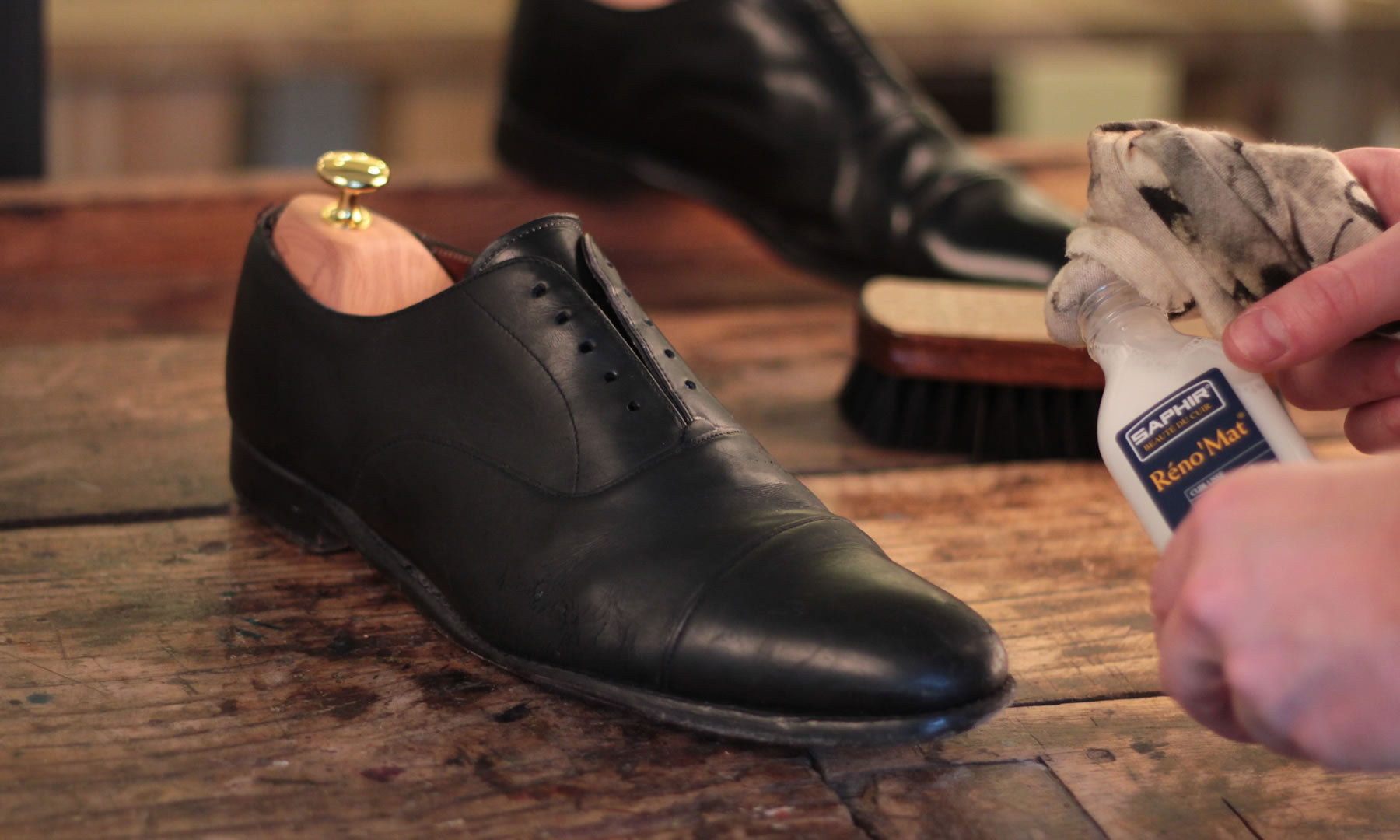
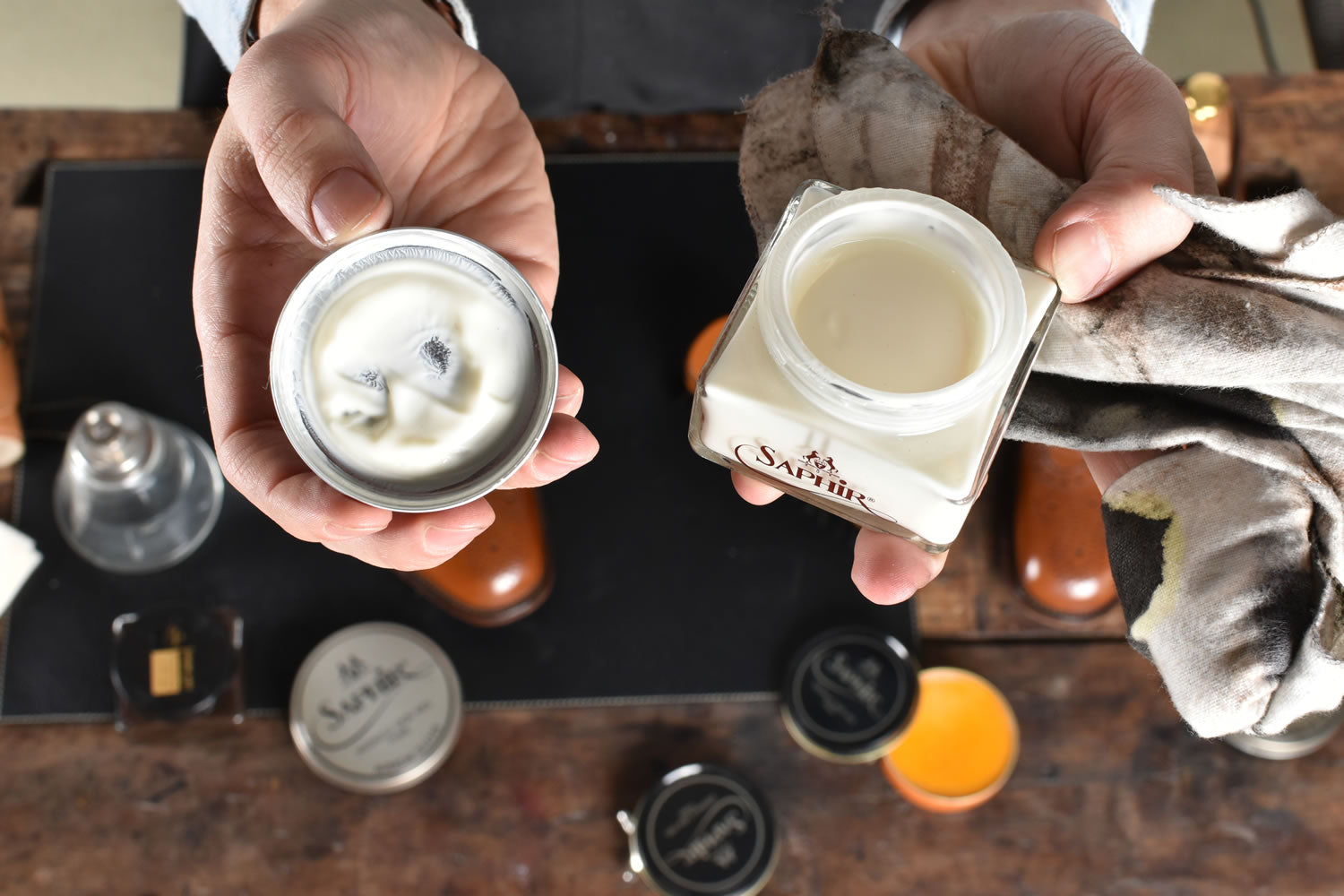
Saphir Médaille d’Or Renovateur is one of the most trusted products we use for bringing smooth leather back to life. It restores suppleness, improves colour depth, and helps leather look healthy again.
In rare cases, some people notice small white spots or a light haze after using Renovateur, most commonly after rain, moisture, or a change in temperature. When this happens, it is usually not damage to the leather. It is typically a surface effect, and it is usually easy to prevent and quick to remove.
This guide explains what causes it, how to identify what you are seeing, and the simple method we recommend to keep results consistent.
What are the white spots
The most common cause is wax bloom or spew
Renovateur is a conditioning product made with nourishing oils and waxes. Under certain conditions, a small portion of those ingredients can migrate back to the surface after application. When they meet air and the shoe cools or dries, they can crystallise into a pale haze or small white marks. This is often called wax bloom or spew.
You are most likely to see it when one or more of these factors are involved:
-
the product was applied a bit too generously
-
the shoe was not buffed thoroughly after application
-
the shoe got wet soon after treatment
-
the shoe went through a cold to warm temperature change while product residue was still on the surface
In other words, it is usually a technique and conditions issue, not a product defect.

Quick diagnosis
Is it wax bloom, salt, or something else
Before you reach for strong cleaners, do a quick check.
1) Finger test
Rub a white spot with a clean fingertip or soft cloth.
-
If it wipes clearer, smears slightly, or feels a bit waxy, it is usually wax bloom or conditioner residue.
-
If it looks like a tide line and is concentrated around the lower shoe, it may be minerals or salt from wet streets.
2) Location clue
-
around the lower vamp, welt, and edges often points to salt or minerals
-
a more general haze across the upper is more often bloom
3) Texture check
-
bloom tends to be dry and powdery or slightly waxy
-
mould tends to look fuzzy and can smell musty
If you are unsure, treat it as bloom first. The removal steps are gentle and safe.
How to prevent white spots
The Shoe Care Shop method for Renovateur
This is the approach we recommend because it keeps Renovateur doing what it does best, conditioning and restoring, while reducing the chance of surface residue.
Step 1: Use a very small amount
A little goes a long way. For most shoes, a small amount is enough for the whole upper. If you can see a wet layer, you have used too much.
Step 2: Work it into the leather
Apply in a thin coat with a cotton cloth. Massage it in, especially on dry flex points. The goal is absorption, not a coating.
Step 3: Let it settle, then buff properly
Give it time to absorb, then brush and buff until the surface looks even and feels dry to the touch. Proper buffing removes excess that can later turn into white marks.
Step 4: Let it cure before rain
If the shoes might see wet weather, apply Renovateur the evening before. Wearing them too soon after application increases the chance of residue reacting to moisture.
Step 5: Separate conditioning from weather protection
Renovateur is a conditioner first. If you need more water resistance, add a dedicated protection step after the shoe is fully dry and buffed, and choose a protector that suits the leather type.
How to remove white spots safely
Start gentle, most cases are solved in minutes
Fix 1: Brush and buff
Use a horsehair brush with firm strokes, then finish with a soft cloth. This removes most bloom.
Fix 2: Bring the shoe to room temperature, then buff again
If the shoe was cold, let it stabilise at room temperature and brush again. Avoid high heat. You just want the waxes to normalise so they buff off cleanly.
Fix 3: Reset if it returns repeatedly
If the marks keep returning, it usually means too much product is sitting on the surface or the leather is saturated with product layers.
A simple reset:
-
Clean gently to remove surface residue.
-
Let the shoe dry fully at room temperature.
-
Reapply Renovateur in a very thin coat.
-
Buff thoroughly.
Common mistakes that can lead to white marks
-
applying too much Renovateur
-
skipping a proper buff
-
wearing the shoes too soon after applying
-
exposing freshly treated shoes to cold conditions, for example a hallway, car, or travel
-
applying conditioner and water protection steps too close together without enough drying time
FAQ
Does Renovateur damage leather
No. In the situations we see, the white marks are typically surface residue. They are usually removable with brushing and buffing.
Can rain cause white spots after Renovateur
It can, especially if the product has not fully absorbed or excess residue is still on the surface.
Is it always wax bloom
Not always. Salt or mineral deposits can look similar, especially near the bottom of the shoe. The finger test and location clues help you decide.
Should I stop using Renovateur if this happens
Usually no. Renovateur is an excellent conditioner. Most of the time, using less product, curing longer, and buffing more solves it completely.
Summary
In rare cases, white spots can appear after using Saphir Médaille d’Or Renovateur, especially when moisture and temperature changes are involved. It is usually a surface effect rather than damage.
Apply thinly, buff thoroughly, give it time to cure, and keep protection as a separate step. If spots appear, brush and buff first. Most shoes will be back to normal quickly.
If you want, I can also produce a shorter version for your product page FAQ and a two paragraph support template you can paste into customer replies.